Card Sharp: The microSD Health Check That Saves Your Drone Footage

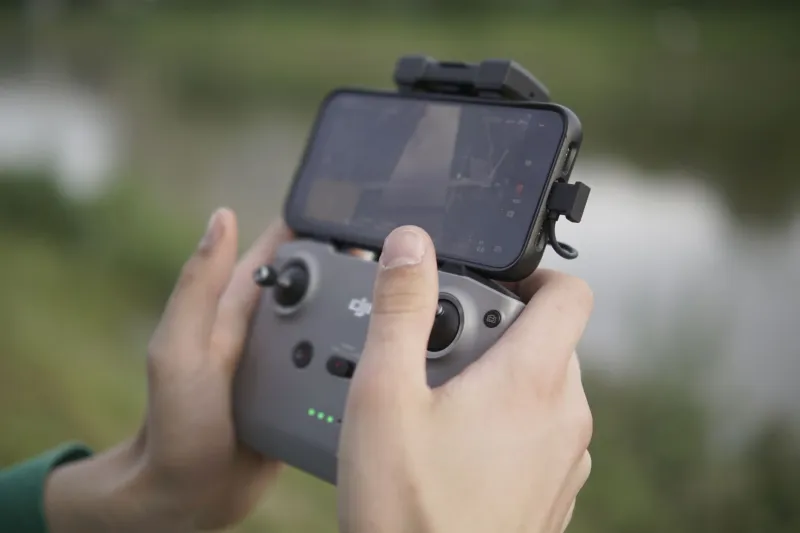
Photo: microSD card held above drone controller close-up, via fr.web.img2.acsta.net
The most expensive part of a drone kit is not always the bit that fails. Sensors, gimbals and batteries get the attention, but the microSD card is the component most likely to be borrowed from a drawer, bought in a hurry or trusted because it says 128GB on the label. At Drone Overview, we have watched enough otherwise good flights end with a stuttering preview or a card speed warning to treat the card as part of the camera, not an accessory.
The card is part of the camera
Drone video is a continuous write job. A 4K clip at 100Mbps is roughly 12.5MB per second, while a 5.4K clip at 200Mbps is closer to 25MB per second. Add high frame rates, long recordings and a card that is warming up inside a sealed body, and the steady write speed matters more than the big number on the packaging. A card that wins a burst-photo test can still stumble when it has to hold a clean stream for ten minutes.
The symptoms are easy to miss at first. You get a dropped frame or two. The last clip will not play. The drone stops recording before you land. Offloading takes longer than the flight itself. None of these prove the card is bad, but together they are a strong hint that the weakest link is the tiny rectangle you formatted on the kitchen table.
What the labels actually mean
V30, V60 and U3 are the markings worth understanding. The V rating is a minimum sustained video write speed: V30 means 30MB per second, V60 means 60MB per second. For most 4K drone footage, a genuine V30 card is fine. For 5.4K at high bitrates, or if you routinely record long takes, V60 gives useful headroom. U3 is an older label that broadly aligns with V30, while A2 is about app performance and tells you almost nothing about drone video.
UHS-II cards look impressive and cost more, but most consumer drones do not take advantage of the extra pins. Capacity is similarly misunderstood. A 64GB or 128GB card is the practical sweet spot for a day of flying. A 512GB card sounds reassuring until it fails with a week of footage on it. Buy two smaller cards, label them and rotate them.
The drawer-card audit
We tested a small spread of cards in the same way a reader would: an old 32GB card from a phone, a no-brand 128GB card bought from an online marketplace, a branded 128GB V30 card, a branded 64GB V60 card and a high-end UHS-II card. The old 32GB card handled 1080p without complaint but stopped recording partway through a 4K take. The no-brand card reported 128GB but began overwriting earlier files once it passed roughly 32GB. The branded V30 card held steady for 4K. The V60 card handled 5.4K without drama. The UHS-II card was no faster in the drone and no more reliable.
That is the pattern. The card you already own may be perfectly good, but it may also be old, slow, fake or simply not built for sustained video. You do not need to guess. You need a short test.
The fake-card check
Fake capacity is the nastiest problem because it does not announce itself. The card writes normally until it hits its real limit, then it starts overwriting or corrupting files. The label says 128GB; the controller inside is a 32GB card with a convincing sticker.
Run a verified capacity test before you trust a new card. On Windows, H2testw is the old reliable. On macOS or Linux, F3 does the same job. The test writes files until the card is full and then reads them back. If the reported capacity is not the real capacity, the test will fail. It takes time, but less time than losing a flight.
Also treat the price as evidence. A 256GB card for less than a modest lunch is not a bargain. Check the seller, avoid marketplace listings with mixed stock and buy from a UK retailer with a clear returns process. If the card arrives with vague packaging or a serial number that looks printed rather than etched, test it before it goes anywhere near a drone.
The ten-minute home test
Before your next meaningful flight, do this. Format the card in the drone, not on your computer. Set the camera to the highest video mode you actually use. Record a ten-minute clip while the drone is stationary and safe, either on a bench with props off or in a stable hover. Stop the recording, play it back on the drone or controller, then copy it to a computer and watch the whole thing.
If the drone stops early, if the file will not play, or if the footage stutters, the card is suspect. Feel the card afterwards. Warm is normal; hot enough to be uncomfortable is not. Repeat the test once the card has cooled. A card that only fails when warm is a card that will fail on a summer afternoon.
Finally, time the offload. A slow card makes every trip home feel longer, and a card that reads slowly is often a card that writes reluctantly. If a 64GB offload takes longer than a cup of tea and a biscuit, check the card and the reader before blaming the computer.
UK buying advice: where to spend and where to save
Spend on a genuine branded card from a seller you trust. For most 4K pilots, a 64GB or 128GB V30 card is the sensible buy. If you shoot 5.4K at high bitrates, look at V60. Buy from a UK retailer with a returns policy you can actually use, and keep the receipt. Two 64GB cards are better than one 256GB card because a single failure costs you less footage.
Save by skipping UHS-II unless your drone manual specifically asks for it. Skip the largest capacities, skip A2 labels and skip anything that looks too cheap. Do not buy a card because it is described as 'pro' or 'extreme'; buy it because the sustained write rating matches your camera settings and the seller is accountable.
Label your cards, keep them in a case and format them in the drone before each big flight. The microSD card is the cheapest part of the kit and the easiest single point of failure. A twenty-minute audit is a small price for knowing that the footage is actually being written.