Big Screen, Small Sensor: Why Your Drone Footage Looks Superb on a Phone and Questionable on a 55-Inch TV
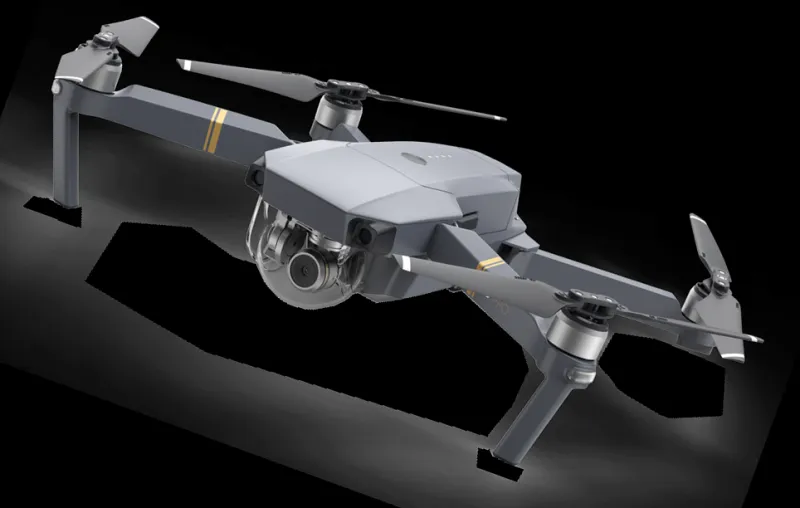
Photo: drone footage displayed on a large television in a living room, via www.pngmart.com
There's a specific moment of disappointment in drone ownership. You've flown somewhere genuinely lovely, reviewed the clips on your phone in the car, felt quietly smug — then you get home, cast it to the telly, and the magic drains out of it somewhere between the HDMI handshake and the title card.
Nothing has changed about the footage. What's changed is the display. A phone is a tiny, bright, extremely forgiving panel that flatters everything you put on it. A 55-inch TV is a magnifying glass with opinions. If you're choosing a drone partly on camera claims, it's worth understanding which numbers actually predict how the footage will hold up on the big screen — and which are marketing.
Your phone is doing the drone a favour
At typical phone size you're looking at maybe two million pixels, held eighteen inches from your face, often with the brightness cranked. Compression artefacts vanish. Soft corners vanish. A slightly crushed shadow goes unnoticed because the whole image is the size of a beer mat. Scale that to a 4K TV and every one of those compromises is suddenly a metre wide.
Add in a viewing distance that's closer than the living room really wants, and cheap sharpening becomes obvious, banding in a grey sky becomes stripes, and the sea looks like a sheet of white paper. This is why forum arguments about camera quality are so circular: two people can be looking at the same drone and genuinely seeing different things.
Bitrate: the number that never makes the box
Look at the front of any drone box and you'll find 4K, maybe 60fps, maybe a megapixel count. You will almost never find the bitrate, which is the single most useful figure for big-screen viewing.
Bitrate is how much data per second the drone spends describing the picture. A 4K clip running at 100Mbps holds together far better in busy scenes — wet shingle, bracken, a crowd of leaves — than the same resolution at 50 or 60Mbps. Low-bitrate 4K is technically 4K, in the same way that a photocopied map is technically a map.
The catch is that high bitrate is expensive in storage and processing, so budget models economise quietly. If a manufacturer won't publish the figure anywhere, treat that as information in itself.
The dull sky problem
British flying is, statistically, a study in flat grey. That overcast sky is also the hardest thing you can point a small sensor at, because dynamic range — the gap between the brightest and darkest thing the camera can hold at once — is where cheaper drones fall apart.
Two classic UK failures. First, the Northumberland coast on a bright afternoon: white surf, white haze, pale sand, and a sky that clips to pure, featureless 255 with no gradation left in it. Second, a beech wood in late October, where the gap between sunlit canopy and shaded forest floor exceeds what an 8-bit compressed stream can carry, and the shadows turn into a smeary block of nothing.
A drone with genuinely better dynamic range gives you a graduated sky and recoverable shadows. A drone without it gives you a white rectangle and black mud. No amount of megapixels fixes this.
Colour profiles, 8-bit and 10-bit
Manufacturers love a flat picture profile — D-Log, HLG, whatever the badge says — because it looks professional in a comparison video. What matters is whether the camera records 8-bit or 10-bit colour.
8-bit gives you 256 steps per channel. Stretch a flat profile in the edit and those steps separate into visible bands, most obviously in a smooth sky gradient. 10-bit gives you four times that, and the grades survive. If a drone offers a log profile but only records 8-bit, the profile is largely a trap for beginners: you'll get the work of grading with less of the benefit.
For most people, a well-tuned standard profile is the smarter buy than a headline log mode.
Sharpness isn't the same as detail
A high-contrast, heavily sharpened image reads as 'crisp' on a phone and as 'crunchy' on a TV. Look instead at the corners of wide shots: cheap lenses go soft there, and a TV makes soft corners look like a focusing fault.
The other trap is codec handling. Modern H.265 files are efficient but can be awkward on older laptops, and if your machine can't play the footage smoothly you'll judge the camera on a stuttering preview. Check your editing setup can handle the files before blaming the drone.
How to buy on the right evidence
- Download sample footage from the manufacturer or a reviewer, ideally a dull-sky landscape, and watch it full-screen on a TV rather than a phone.
- Find the bitrate in the specs, or in a file's properties once you have one.
- Confirm 10-bit if a log profile is being marketed hard.
- Ignore digital zoom entirely. It's cropping, and the TV will tell everyone.
- Weight sensor size and lens quality above resolution. A good 1-inch sensor at 4K beats a cheap 1/2.3-inch sensor claiming 8K every single time.
None of this means you need to spend a fortune. It means you should be sceptical of the number on the front of the box and curious about the four or five figures buried in the spec sheet. Your telly is going to find out either way.